🌐 Networking Explained
What Is an IP Address and Why Does It Matter?
Every device online has an address — let’s find out what it really is, how it works, and why it matters to you.
Every time you open YouTube, send an email, or tap on a website, information flies across the internet to reach you — and only you. But how does the internet know where to send that information? The answer is an IP address (Internet Protocol address).
Think of the internet as a giant postal system with billions of addresses. Without addresses, your letters would never arrive. Without IP addresses, the internet simply would not work.
1 What Exactly Is an IP Address?
IP stands for Internet Protocol. An IP address is a unique number assigned to every device — your phone, laptop, smart TV, even your printer — whenever it connects to a network or the internet.
👆 A typical home IP address — four numbers, each between 0 and 255, separated by dots
Simple definition: An IP address is like a home address for your device on the internet. Just as a postal worker needs your street address to deliver a package, the internet needs an IP address to deliver data to the right device.
📮
Real World
Your home address tells the postal service exactly where you live so letters can find you.
💻
Online World
Your IP address tells the internet exactly which device you’re using so data can find you.
2 IPv4 vs. IPv6 — The Two Types
There are two versions of IP addresses in use today. Don’t worry — you don’t need to memorize them. Just knowing they exist helps you understand the internet better.
IPv4 — The Original
- Created in 1983
- Four numbers (0–255) separated by dots
- Allows ~4.3 billion unique addresses
- Nearly all used up!
Example: 203.0.113.47
IPv6 — The New Standard
- Created in 1998 to replace IPv4
- Eight groups of letters and numbers
- Allows 340 undecillion addresses
- Enough for every grain of sand on Earth!
Example: 2001:0db8:85a3::8a2e:0370:7334
⚠️ Why do we need IPv6? The world ran out of IPv4 addresses! There are now more internet-connected devices than there are IPv4 addresses available. IPv6 solves this problem with an almost infinite supply of addresses. Your devices are quietly switching to IPv6 already.
3 How Does an IP Address Work?
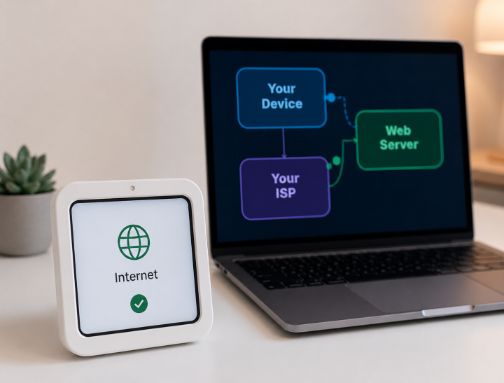
When you visit a website, your data doesn’t travel in one big chunk — it breaks into small pieces called data packets. Each packet carries your IP address (sender) and the website’s IP address (receiver), just like a letter with both the sender’s and recipient’s address.
📦 How Your Data Travels — The Packet Journey
Each router along the way reads the destination IP address on the packet and decides which direction to send it next — just like a series of postal sorting offices passing your letter along until it reaches the right mailbox.
4 Public vs. Private IP Addresses
Here is something that surprises most people: you actually have two IP addresses right now!
🌍 Public IP Address
This is the address the outside world sees. It’s assigned by your ISP (Internet Service Provider) and is shared by all devices in your home through your router.
Example: 103.47.82.51
Think of it as your building’s street address.
🏠 Private IP Address
This is the address your router assigns to each device inside your home network. Your phone, laptop, and TV all get a different private IP.
Example: 192.168.1.5
Think of it as your apartment number inside the building.
Real-life example: When you and your family all use the internet at home, you all share one public IP address (your home’s address on the internet), but your devices each have their own private IP address (their room number inside your home network).
5 Static vs. Dynamic — Does Your Address Change?
🔄 How IP Addresses Are Assigned in Your Network
Your ISP
103.47.82.51 — Your public IP (may change daily)
Your Router
192.168.1.1 — Your router’s address
Your Phone
192.168.1.7 — Assigned by DHCP
💡 Most home users have a dynamic public IP — it may change each time your router reconnects. Businesses often pay for a static IP that never changes.
Static vs. Dynamic — Quick Comparison
| Type |
Does It Change? |
Who Uses It? |
| Dynamic IP |
Yes — changes periodically |
Most homes & mobile users |
| Static IP |
No — always the same |
Web servers, businesses, gamers |
6 Why Does an IP Address Matter?
Beyond just “finding your device,” IP addresses quietly power almost everything you do online. Here’s why they genuinely matter to you:
📦
Data Delivery
Without an IP address, data packets would have no destination. Nothing would load — ever.
📍
Geolocation
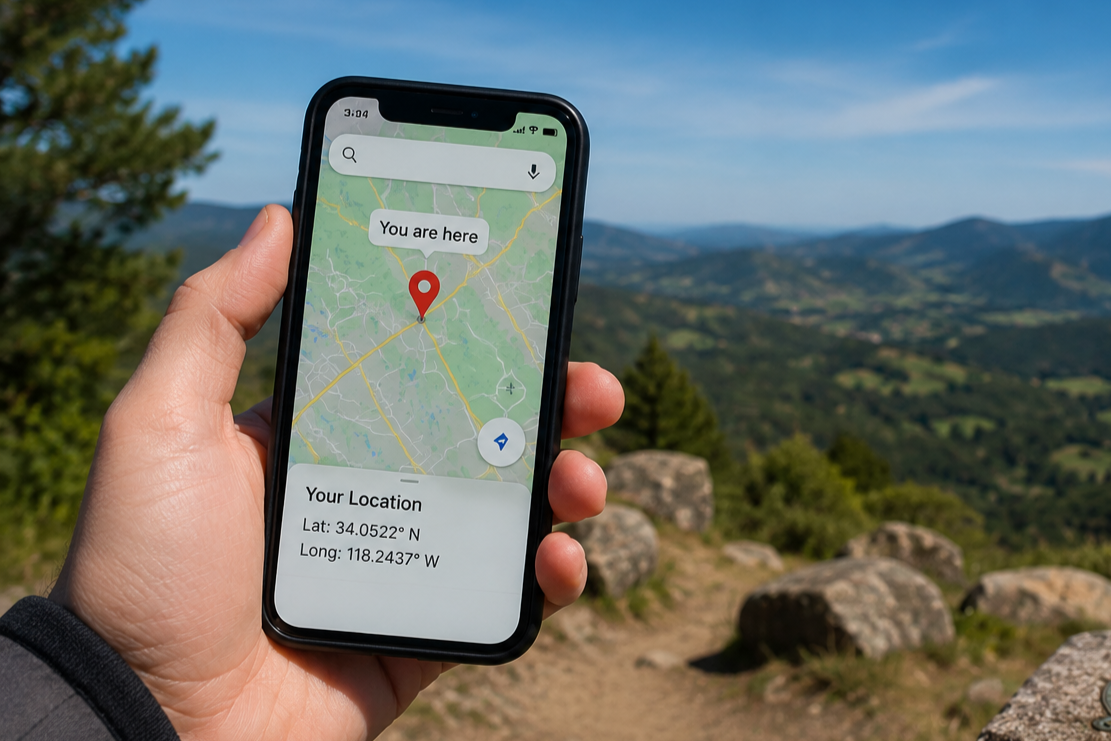
Websites use your IP to detect your approximate country or city — that’s why Google shows local results.
🔒
Security Filtering
Firewalls block dangerous IP addresses. Banks verify your IP to detect suspicious logins.
🎬
Content Regions
Netflix, Spotify, and YouTube check your IP to decide which shows and music are available in your region.
🖨️
Home Networks
Private IPs let your devices talk to each other — printing wirelessly, streaming to your TV, etc.
🔍
Troubleshooting
When your internet breaks, knowing your IP address is one of the first steps in diagnosing the problem.
7 IP Addresses and Your Privacy
Your IP address can reveal more about you than you might expect. Understanding this helps you stay safe online.
✅ What’s Normal
Websites see your IP to load content correctly. This is harmless and happens with every visit.
⚠️ What to Know
Your IP can reveal your approximate city and your internet provider. Not your name or exact address — but not invisible either.
🚫 The Risk
Hackers and trackers can use your IP for tracking, DDoS attacks, or geo-restrictions.
🛡️ How to Protect Yourself
Use a VPN (Virtual Private Network) to mask your real IP, or use browsers like Brave/Firefox with privacy settings enabled.
⚠️ Common Misconception: Many people think websites can see their exact home address from their IP. They can’t. An IP address typically only reveals your general city or region — not your street address, name, or phone number. Only your ISP knows the exact connection details.
8 How to Find Your Own IP Address
🔍 Find Your IP in Seconds
Here are the quickest ways to check your IP address right now:
🌐 Easiest (any browser):
Go to whatismyip.com or type what is my ip into Google
💻 Windows (Command Prompt):
ipconfig
🍎 Mac / Linux (Terminal):
ifconfig
📱 Phone:
Go to Settings → Wi-Fi → tap your network name → your IP is listed there
🤯 Mind-Blowing IP Address Facts
🌍
There are only about 4.3 billion IPv4 addresses — and the world ran out of new ones in 2011. ISPs now recycle old ones or use clever workarounds called NAT (Network Address Translation).
♾️
IPv6 can produce 340 undecillion addresses — that’s 340 followed by 36 zeros. Every atom on Earth could have its own IP address and we’d barely scratch the surface.
🕰️
The first IP address was assigned in 1969 as part of ARPANET — the experimental network that would eventually become the internet.
🔢
The address 127.0.0.1 is special — it always refers to “this device itself” (called localhost). Developers use it to test websites on their own computer before publishing.
📡
When you connect to a new Wi-Fi network, your device receives a new private IP address automatically within milliseconds, thanks to a protocol called DHCP (Dynamic Host Configuration Protocol).
🎯 The Quick Summary
- An IP address is a unique number that identifies your device on the internet — like a postal address for your gadget.
- IPv4 uses four numbers (like 192.168.1.1) and is running out. IPv6 uses longer codes and has virtually infinite addresses.
- You have two IPs: a public one (visible to the internet) and a private one (used inside your home network).
- IP addresses enable data delivery, geolocation, content filtering, security, and home networking.
- Your IP reveals your approximate city — not your home address. A VPN can hide it for extra privacy.
- IP addresses are the invisible foundation that makes the entire internet function.